
10 Data Engineering Tips & Tricks for 2025
Edition #15 - Tips for SQL, Python, Delta Lake, Spark

Data Engineering Tip #1
Exclude columns in SELECT query
If you want to exclude columns in a Spark SQL Select clause with 100s of columns, use the keyword EXCEPT.

Data Engineering Tip #2
Compare dataframes
Easily compare two spark data frames for schema and data equality using the library chispa
pip install chispa

Data Engineering Tip #3
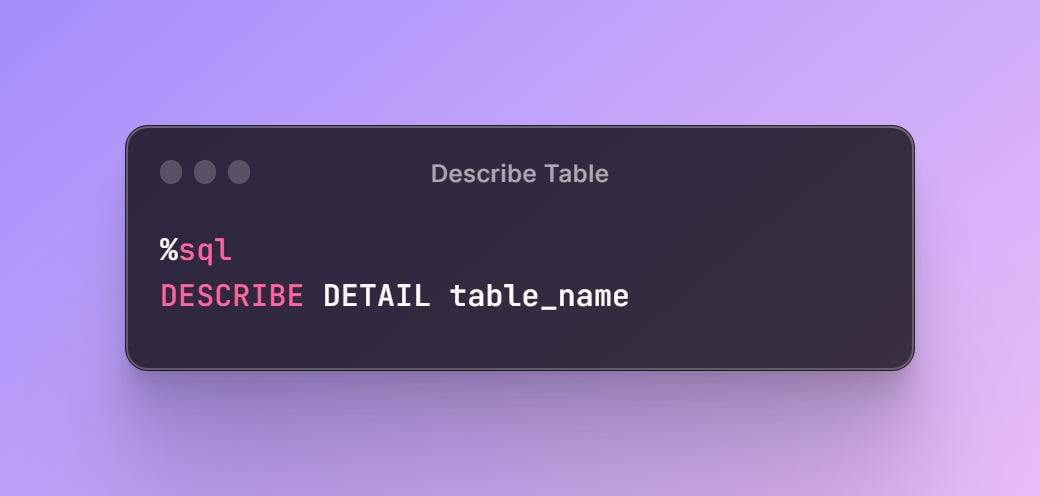
Size of Delta Table
Find the size of a databricks delta table and other useful properties of your table easily using the following command.
Data Engineering Tip #4
3 ways to read a parquet using Python
Pandas
import pandas as pd
df = pd.read_parquet(path=file_name.parquet, engine='pyarrow')
print(df.head(100))
DuckDb
import duckdb as dd
df = dd.sql(f"Select * from {file} limit 100 ")
print(df)
Polars
import polars as pl
df = pl.read_parquet(source=file)
print(df.head(100))
Which one is faster?
Data Engineering Tip #5
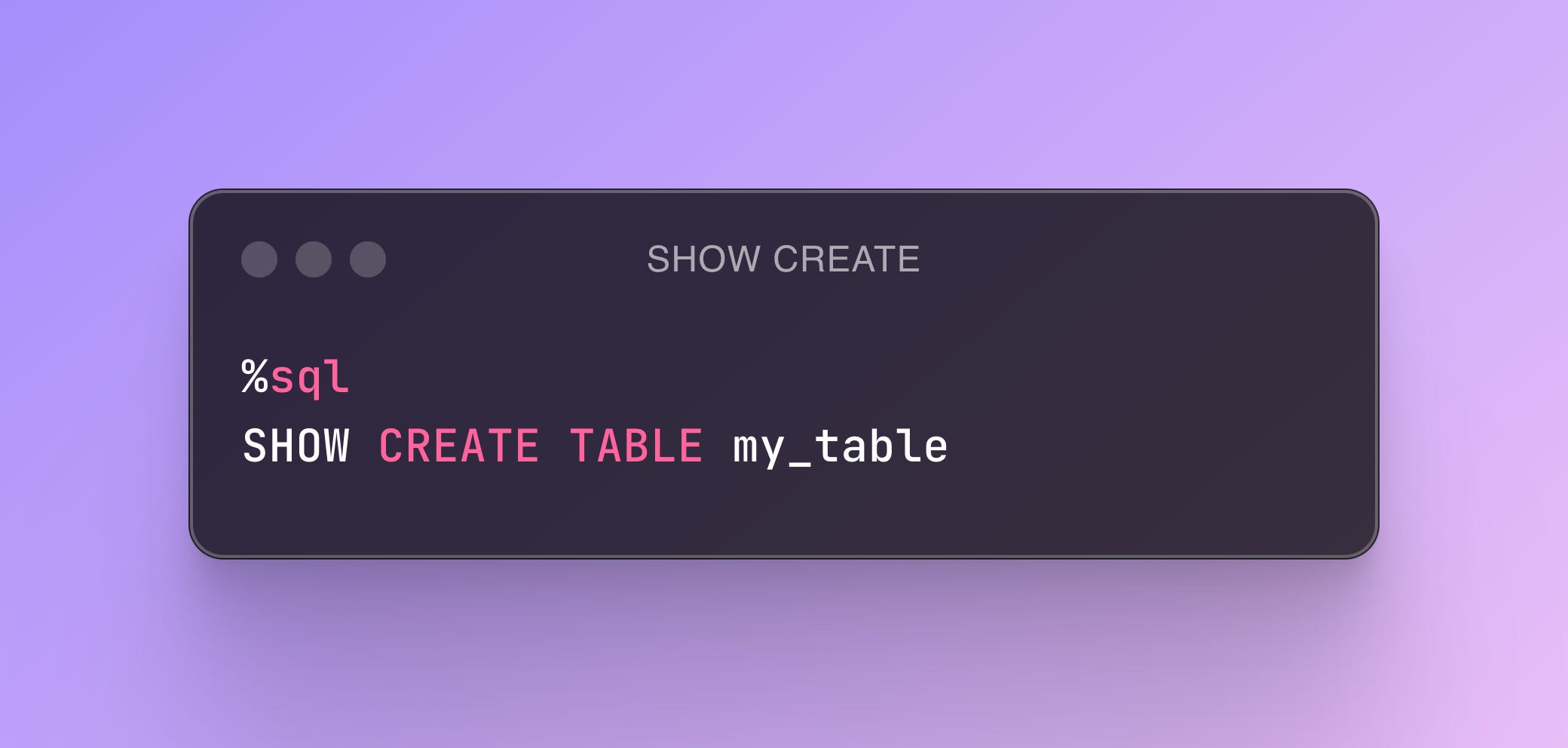
Generate DDL for Delta Table
Quickly generate the DDL for an existing Delta table without having to write it yourself
Data Engineering Tip #6
Testing datetime operations
So many of our ETL processes run datetime operations. Sometimes we need to use current_time or current_date to generate metadata, calculate time difference etc.
So how do you test functions that make use of current_time?
Use the freezegun library
pip install freezegunfrom freezegun import freeze_time
import datetime
@freeze_time("2023-11-05")
def test():
assert datetime.datetime.now() == datetime.datetime(2023, 11, 05)
Once the decorator has been invoked all calls to the datetime functions will return the datetime that has been frozen.
Data Engineering Tip #7
Spark Execution Plan
Understand the internals of your Spark code. Explore, and fine-tune the execution plan of your Spark applications by using the explain function.
df.explain()df.explain(extended=False) - display the physical plan.
df.explain(extended=True) - display both logical and physical plan.
Data Engineering Tip #8
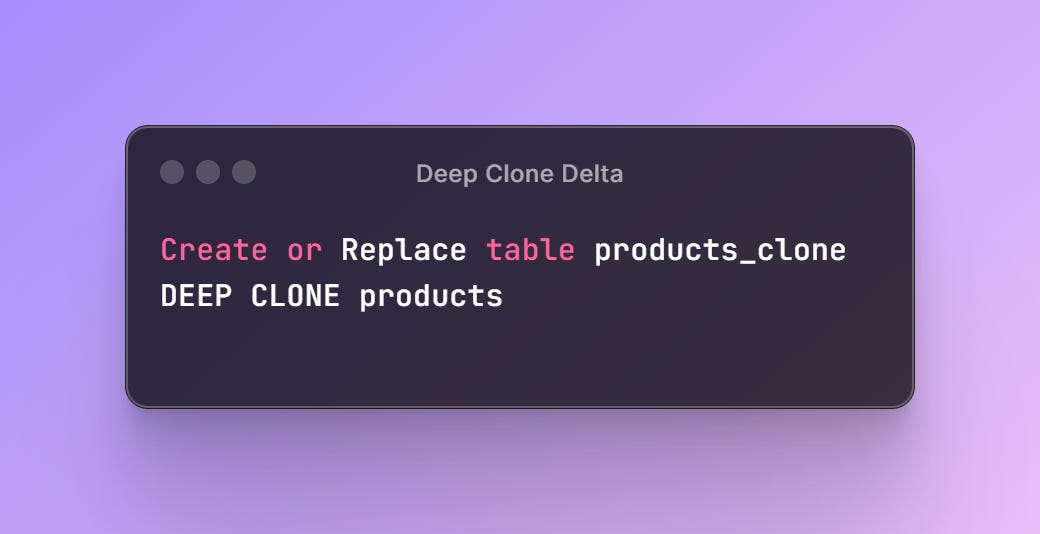
Clone your Delta Table
Make a faithful copy of your Delta table including the partitioning structure and state of the delta log. Quite handy for testing and backup use cases.
Data Engineering Tip #9
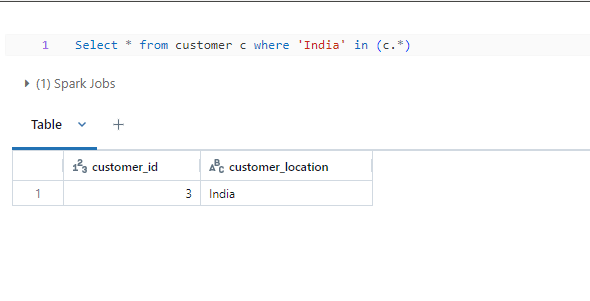
Any Column Filter
Have you ever explored a dataset with hundreds of columns and you have a value that you want to filter across all columns. In other words find if the value exists anywhere in the table?
It is possible with a new filter only available on DBR 15.1 or a preview mode SQL Warehouse. I like to call this Any column filter*
The query will automatically look for the value across all columns and return the records that match the filter. Neat trick!
Data Engineering Tip #10
Most efficient way to read a CSV in Spark
When reading a CSV, Spark triggers a job. A job is triggered every time we are physically required to touch the data. In this case, Spark knows nothing about our data and hence cannot judge the best execution plan. Therefore Spark has to peek at the first line of the file to figure out how many columns of data we have in the file.
Solution: Predefine the schema
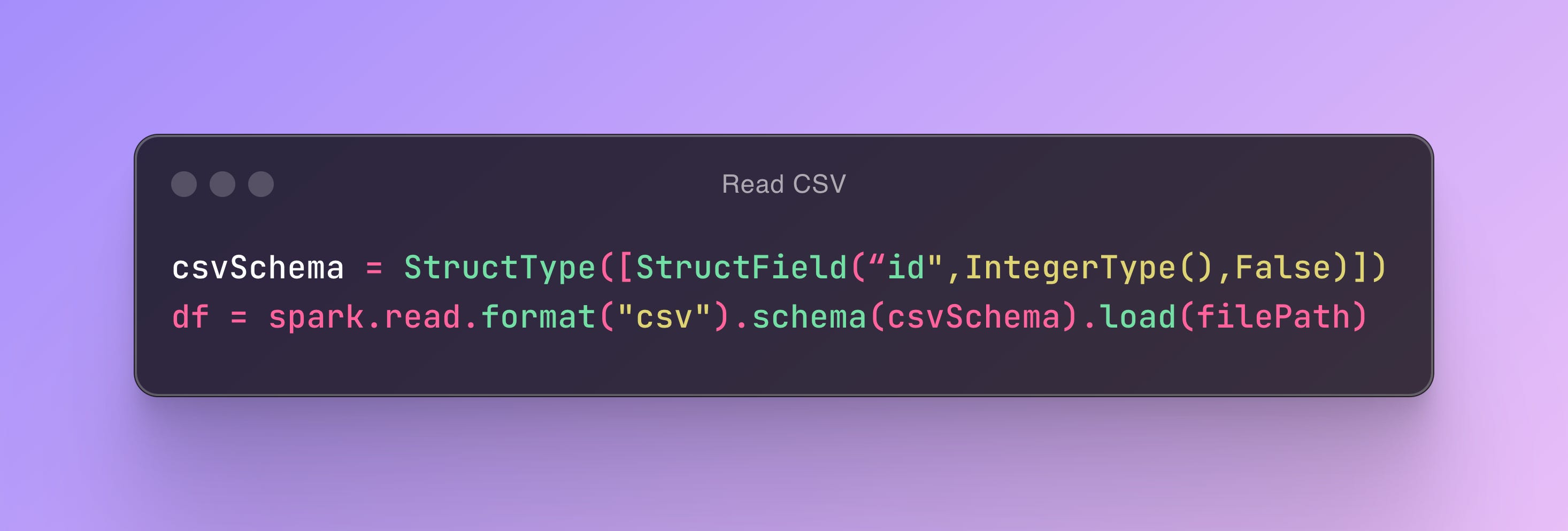
As a result of pre-defining the schema for your data, Spark triggers zero jobs. Spark did not see the need to peek into the file since we took care of the schema. This is known as lazy evaluation which is a crucial optimization technique in Spark.